
Remote students get the board and the teacher
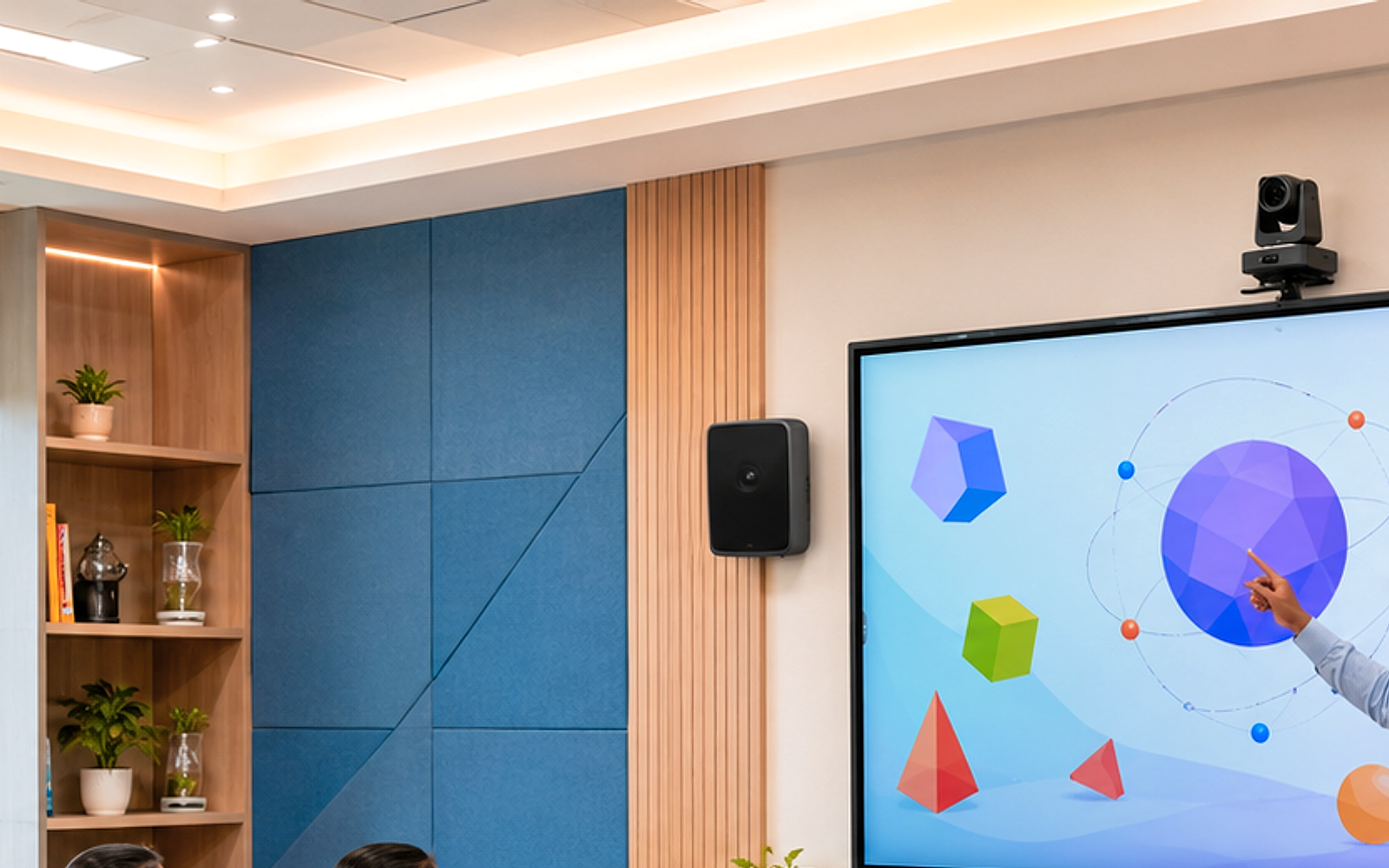
Hybrid mode routes panel content and instructor PTZ into the same UC session — remote learners follow pointer and facial cues together. Ceiling array replaces laptop speakerphone so questions from the back row reach home learners with boardroom clarity.
Smart classroom setups · In-room + remote learners
Hybrid Classroom
30–40 in-room + remote
Hybrid Classroom
Board content and teacher camera routed to VC/LMS simultaneously — remote students see lesson and instructor without second-class citizenship.
- Panel content plus teacher PTZ to UC platform
- Ceiling mic array feeds Zoom/Teams classroom mode
- Remote student gallery on confidence monitor
- LMS record path with board and instructor composite
- One-touch Hybrid mode on control panel
What we install
Technocart supplies, integrates, and commissions each layer — quoted as a complete solution, not a parts list.
Display
LG TR3ER 75"
Primary teaching canvas mirrored to remote learners.
Video
PTZ teacher camera + panel capture
Switch between instructor wide and board detail for remote attention management.
Audio
Ceiling array + UC audio bridge
In-room speech feeds UC without laptop speakerphone compromise.
Control
Hybrid mode DSP preset
Routes panel HDMI, PTZ, and mics to UC and record bus together.
What you receive
Every Technocart solution quote includes documented deliverables — not just hardware on a pallet.
- Hybrid routing signal flow diagram
- LMS/UC platform test with remote participant
- Teacher hybrid etiquette guide
- Record composite verification clip
How we build Hybrid Classroom

Hybrid route
Single mode recall
Hybrid button enables PTZ, panel capture, array, and UC appliance — no sequencer juggling.

UC array
Classroom audio to far-end
Array mix-minus prevents echo — remote students hear questions without feedback loop.
Board cap
Panel as content source
HDMI capture from panel output — ink and apps appear pixel-perfect remotely.

Appliance rack
Dedicated UC compute
Teams or Zoom appliance in rack — laptop only for emergencies.
Need vendor-neutral design and RFQ support?
The matching Services engagement covers consultancy, neutral specifications, and integrator shortlist — you choose the vendors.
Related catalog products
Hardware referenced in this setup — browse specs on our product pages.
Quote this setup
Reference Hybrid Classroom when you contact us — we will scope the full stack for your site.